NoteScanner
Scan. Organize. Create.
Your paper. Your PDFs. Your ideas.
One focused workspace.
Scan documents, edit pages, organize files and capture notes without breaking your flow.
Explore
Designed around your workflow
Everything you need,
Everything you need,
without breaking your flow.
From a paper document to an organized PDF or a handwritten idea, NoteScanner keeps everyday work in one calm, focused space.
01
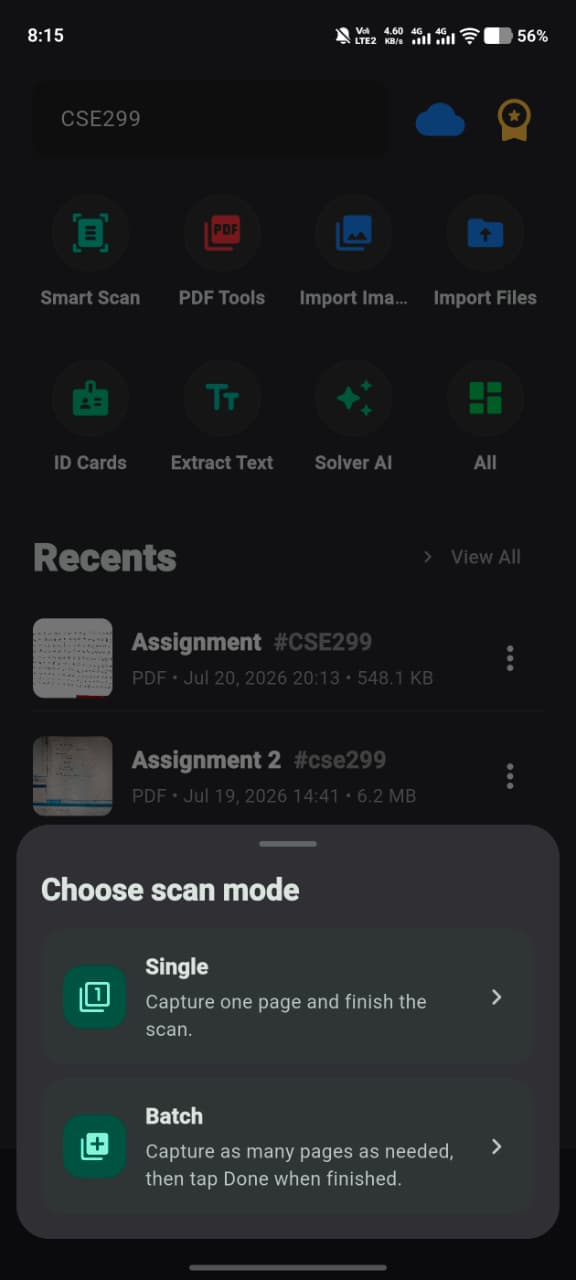
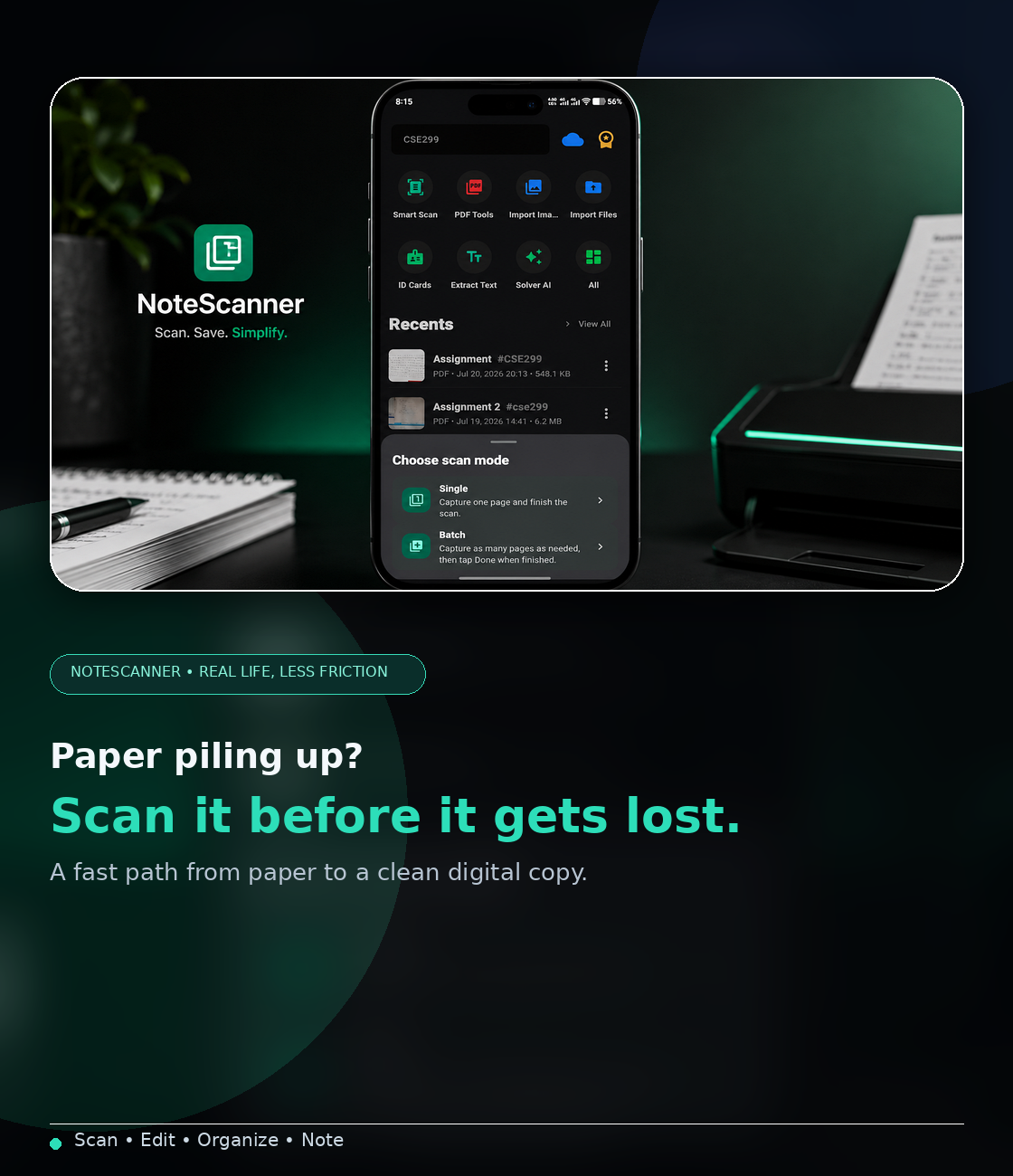
Scan documents with a clean, focused flow
Move from paper to digital quickly using NoteScanner’s guided scanning modes and capture tools in a workflow that stays visually simple.
Scan modesQuick captureSimple flow
02
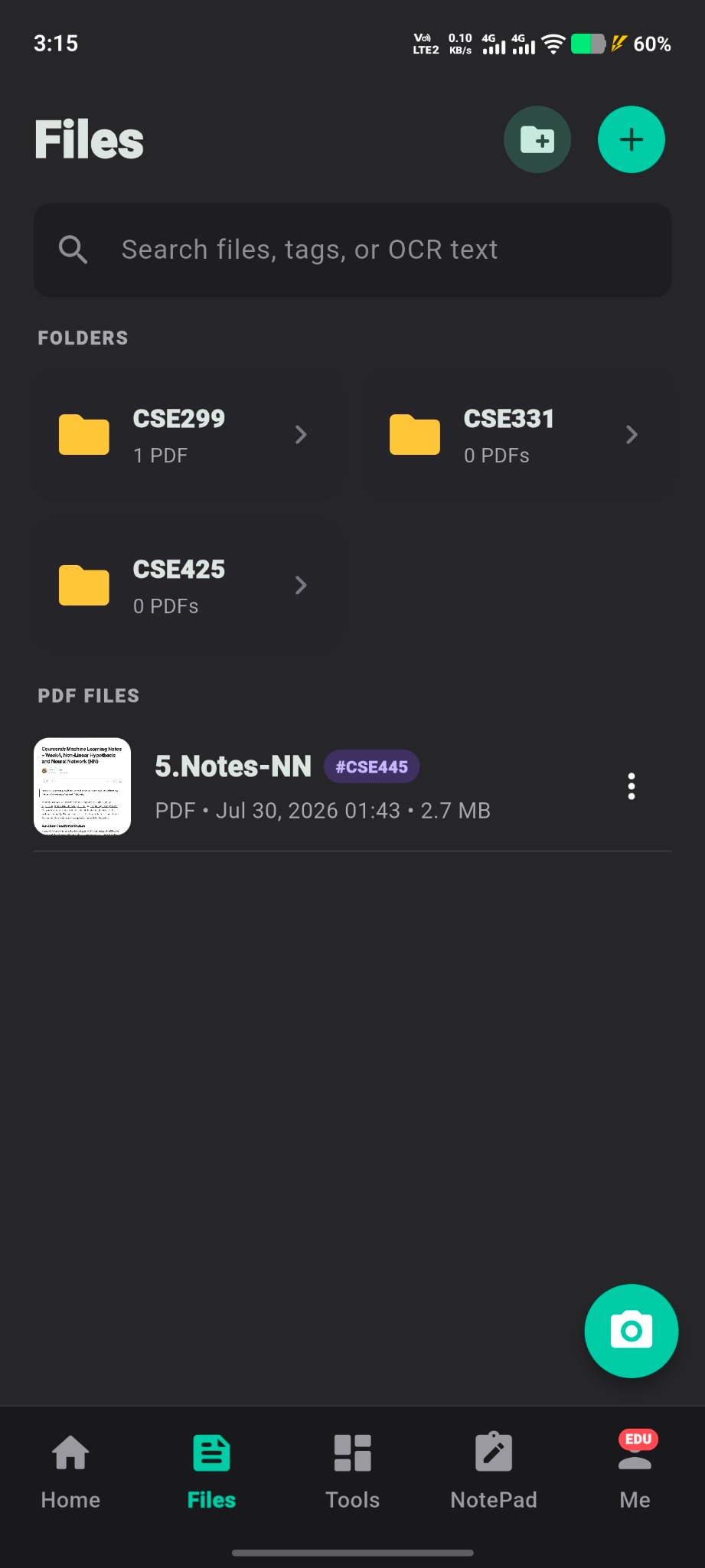
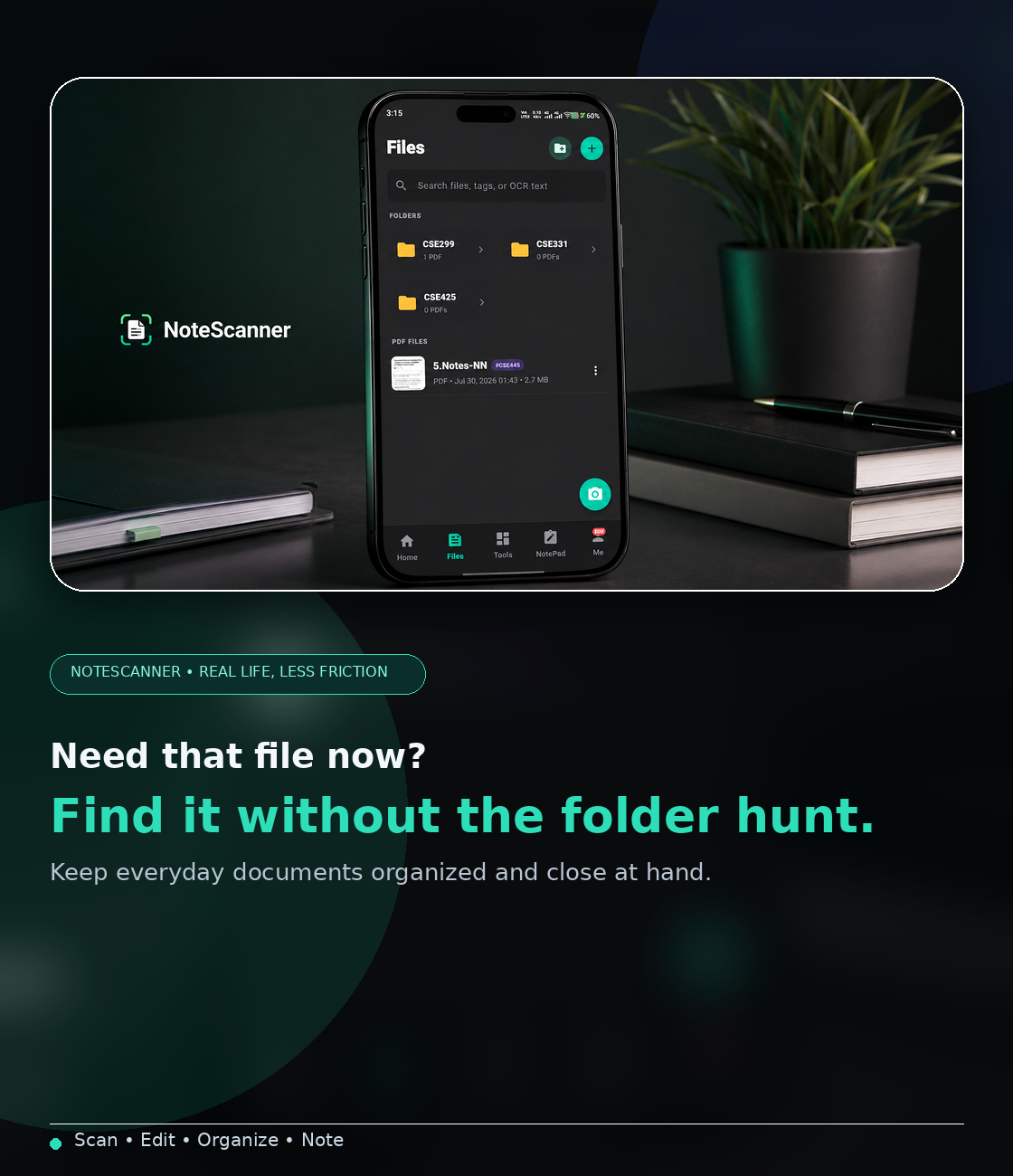
Keep files and folders organized
Sort PDFs into folders and revisit important documents from a dark, distraction-light workspace built for everyday file management.
FoldersDocument listFast access
03
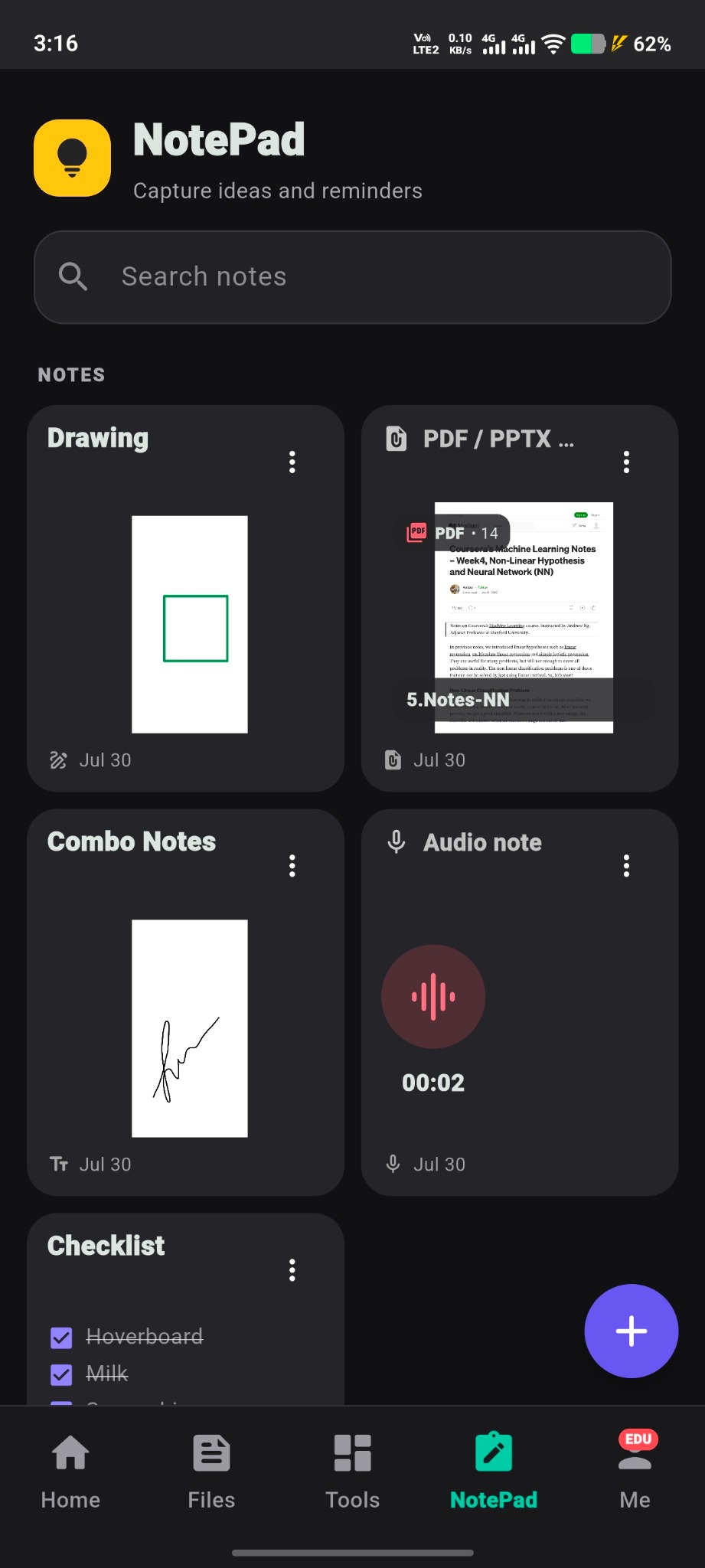
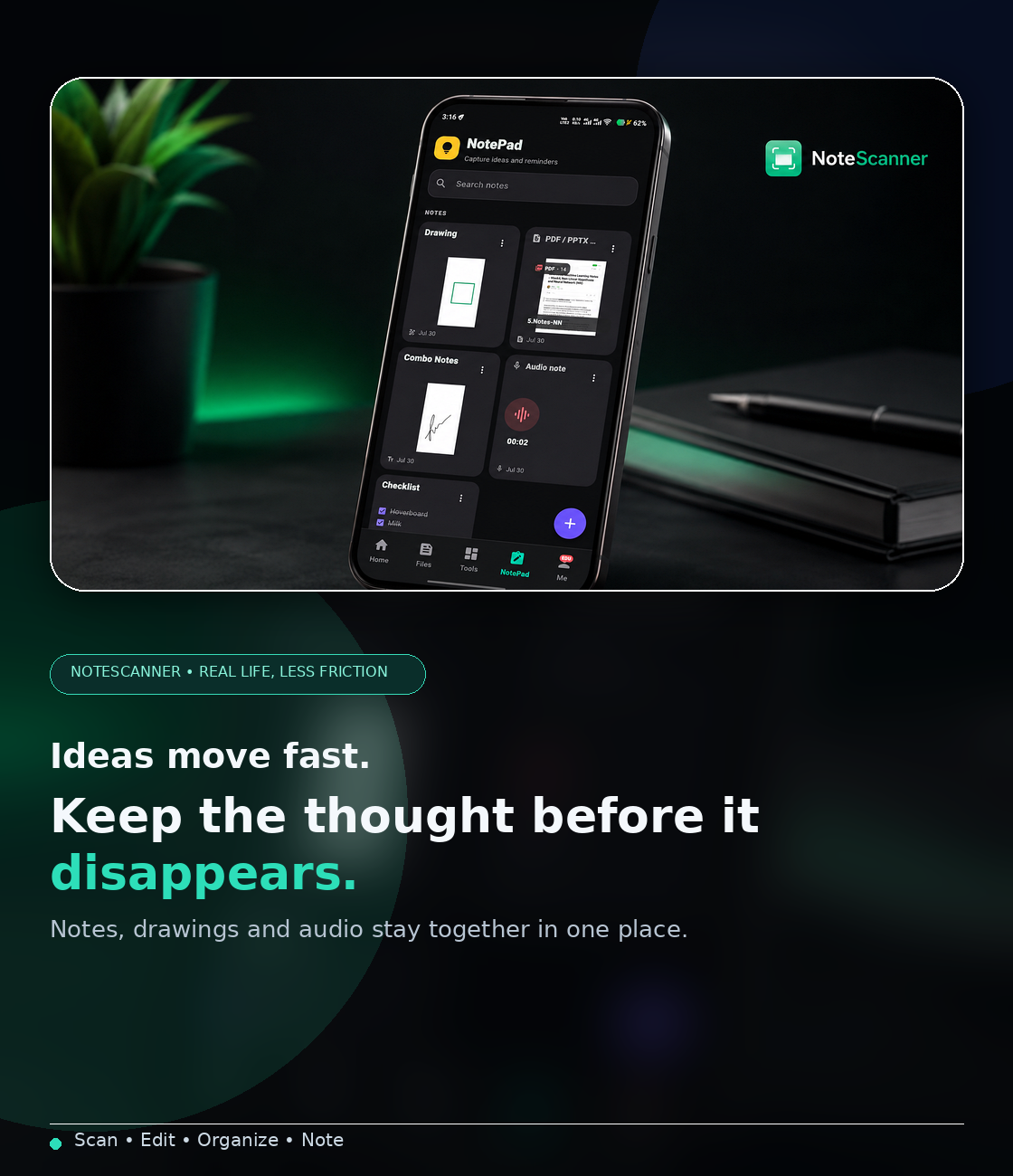
Capture ideas inside NotePad
Store drawings, mixed notes and audio snippets in the same app so your thinking and your documents stay connected.
NotesDrawingAudio
04
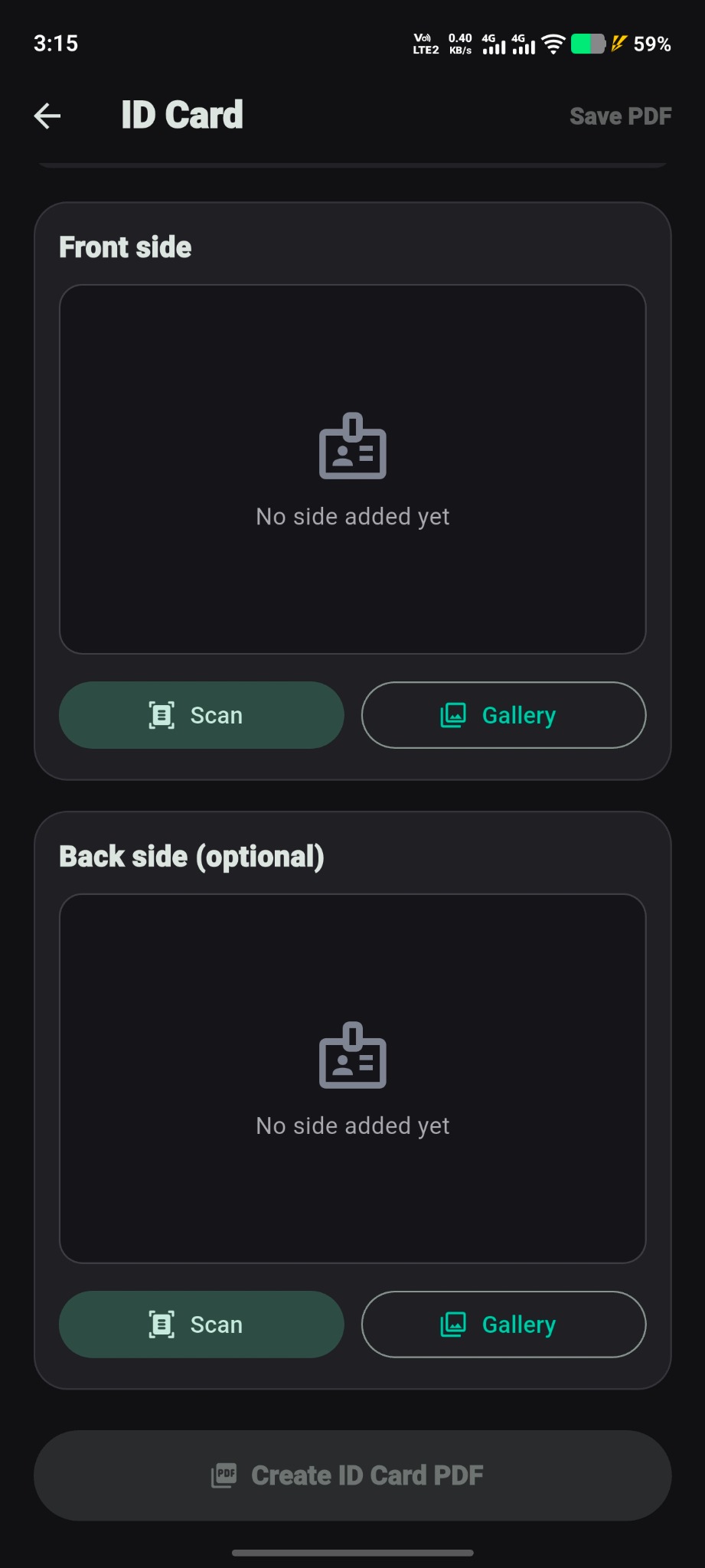
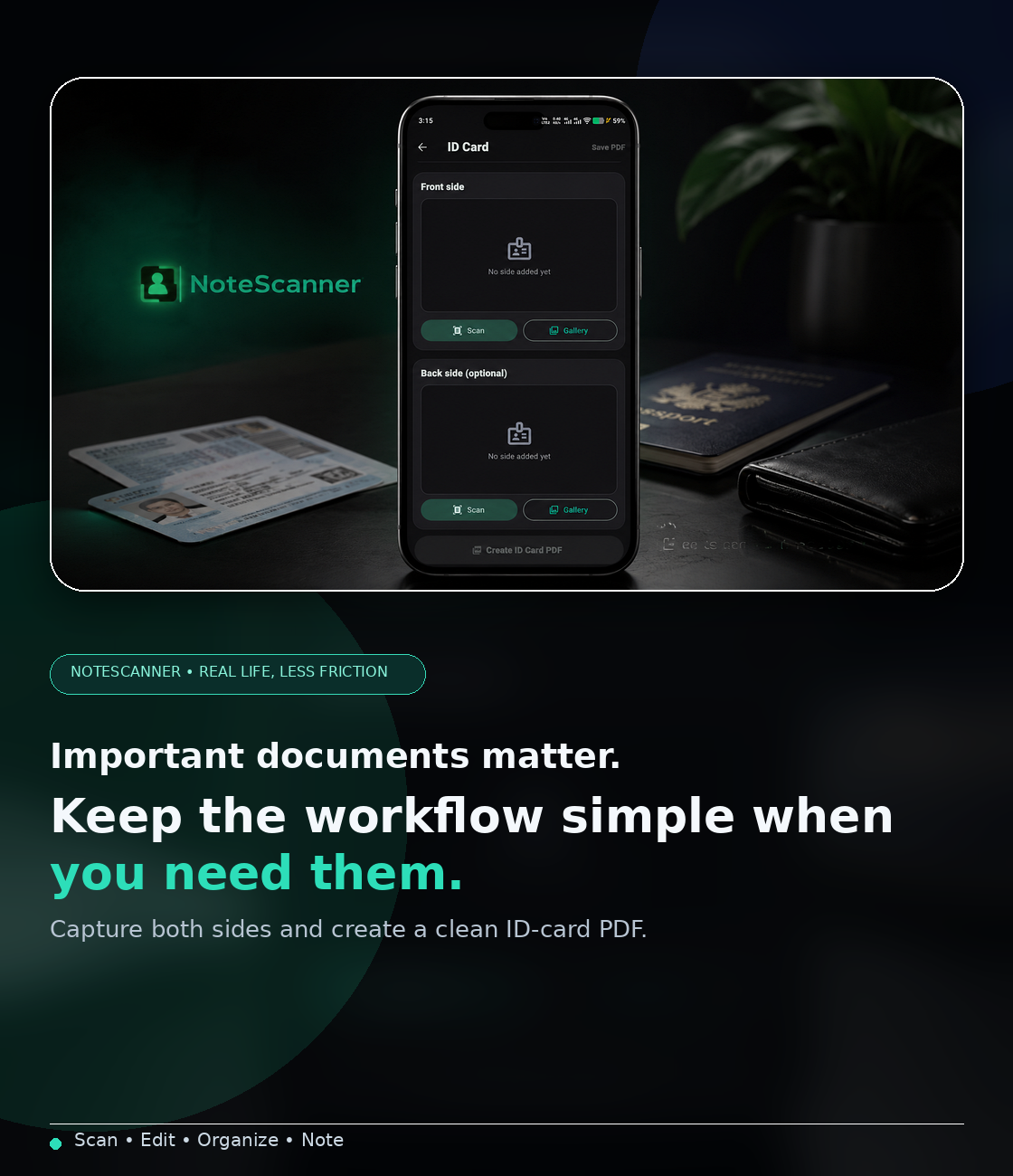
Create clean ID card PDFs
Use the dedicated ID card workflow to capture front and back sides and turn them into a polished PDF from one place.
ID cardsFront & backPDF export
Fast captureLess friction from page to PDF.
One workspaceScan, edit, organize and take notes.
Local-firstCore workflows stay useful without cloud dependency.
Built for a positive everyday experience
Less app-switching.
Less app-switching.
More getting things done.
NoteScanner brings scanning, PDF handling and notes together so students, professionals and everyday users can move from paper to organized digital work with fewer interruptions.
1Focused workspace
3Core workflows
∞Ways to organize
✓ Ready offline
✎ Edit in place
▤ Stay organized
Competitive landscape
How NoteScanner stands out.
A focused comparison of the features NoteScanner already supports today.
| Feature |
NoteScanner
|
CamScanner | Adobe Scan | SwiftScan | Genius Scan |
|---|---|---|---|---|---|
| Document scanning | ✓ | ✓ | ✓ | ✓ | ✓ |
| PDF page editing | ✓ | ✓ | ◐ | ✓ | ◐ |
| Add / delete / reorder pages | ✓ | ✓ | ◐ | ✓ | ◐ |
| Add text / drawing | ✓ | ✓ | ◐ | ✓ | ◐ |
| Built-in notes | ✓ | × | × | × | × |
| Drawing in notes | ✓ | × | × | × | × |
| Audio notes | ✓ | × | × | × | × |
| Offline core use | ✓ | ◐ | ◐ | ✓ | ✓ |
One app. One focused workflow.
Scan. Edit. Organize.
Then keep moving.
Everything you need to scan, organize and take notes — brought together in one smooth, focused mobile experience.
GET IT ONGoogle Play Available on Google Play